
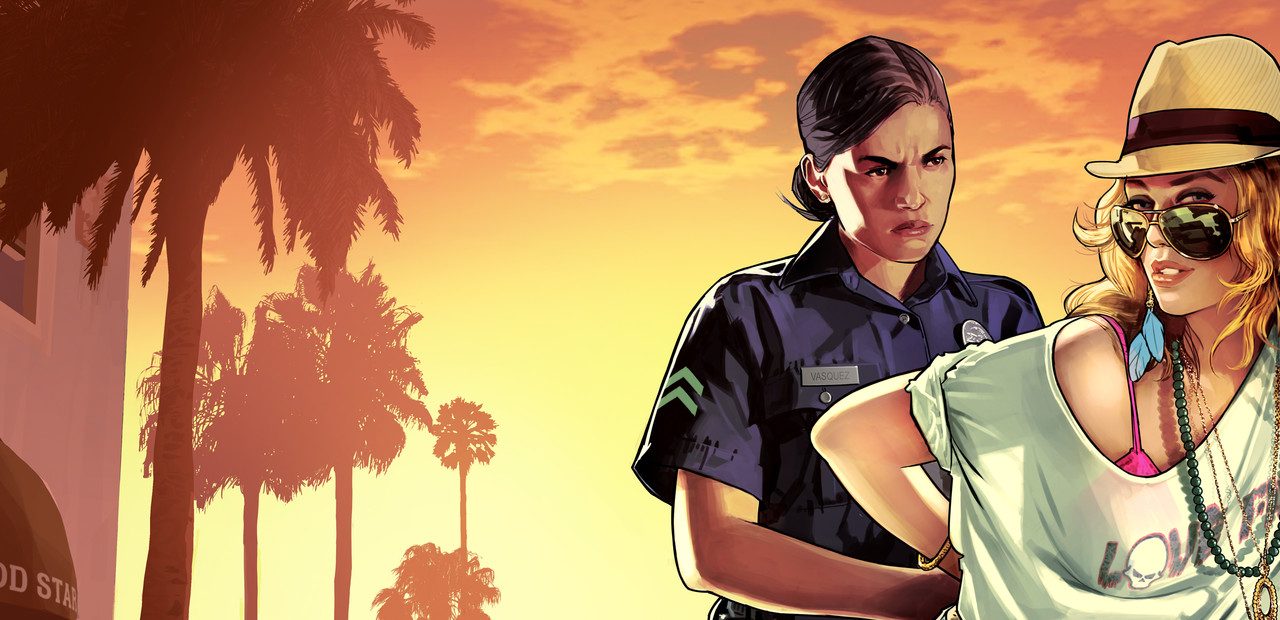
GameSpot published a guide on November 23, 2026, that pulls together a long list of hidden controls and gameplay tricks in Grand Theft Auto 6. The article says Jason and Lucia can do far more than the game’s basic opening tutorials suggest, and that many of those actions only appear once players start experimenting with inputs while exploring Leonida, driving, fighting and sneaking around.
The guide breaks the list into movement, combat, stealth and vehicle tricks. Some are simple animation changes, while others change how a chase or shootout plays out. A few are easy to miss because they rely on ordinary controller buttons in unusual combinations, rather than on a dedicated prompt.
Combat inputs include rolls, weapon swaps and chokeholds
GameSpot says players can change the shoulder they aim from during combat by holding left on the D-pad while aiming with L2. The same aiming state also lets players quick-swap weapons by tapping Triangle/Y. If a fight gets too close, tapping X/A while aiming triggers a combat roll.
The guide also points to melee options that work even when a gun is empty. According to GameSpot, players can pistol-whip enemies by using the melee attack button, which is Square on PS5 and X on Xbox. For stealthier close-range attacks, the article says to start a fight, grapple the opponent with R2, then hold Square/X to set up a chokehold before pressing the indicated D-pad button.
Those inputs sit alongside a first-person option that is not tied to combat alone. GameSpot says players can press L2 on PlayStation or LT on Xbox to highlight something, then press R3 to go into first-person mode. The article adds that the camera normally does not let players move around freely in that view, unless they use a glitch to force the game to lock them into first-person.
Another movement trick lets players chain jumps across broken ground. GameSpot says that if an area has multiple small gaps, tapping X once will jump the first gap and tapping it again keeps the momentum going. The guide also says players can do a backflip by running toward water and holding X/A as they reach the edge.
Stealth and posing give Jason and Lucia more ways to interact
Several of the hidden actions are built around stealth and staging shots. GameSpot says players can whistle at enemies by crouching, taking cover, holding L2 to aim at a target and pressing Triangle/Y. The same guide notes that Jason and Lucia can also choose which hand they use by pressing left or right on the D-pad, and can hold two items at once if players want them carrying more than one object.
There are also small role-playing touches. The article says players can change how a cap is worn by opening the items and weapon wheel with L1, selecting items, navigating to the cap and pressing X/A to switch styles. GameSpot also says players can lean against walls and railings: hold Circle/B near a wall, press L3 next to a railing, or hold Circle/B on solid ground to sit down.
Those poses are not just cosmetic. The guide frames them as useful for photography and for letting Jason or Lucia linger in a more natural way while the player takes a shot or simply pauses in the world. One of the stranger details is that even the birds-eye sense of space feels interactive, with small actions tied to where the character is standing and what surface is nearby.
Driving adds auto-drive, ducking, signals and more
A large part of the guide focuses on vehicle controls. GameSpot says players can duck while driving by holding Circle/B, which can help in road shootouts. It also says turn signals are available: while driving, tapping left or right on the D-pad switches them on, and they cancel automatically after a turn.
The article says headlights can be switched off by tapping Circle/B, which makes night driving quieter and less visible. Players can also leave the engine running by double-tapping Triangle/Y as they exit a car. GameSpot warns that doing so could invite thieves to take the vehicle, and says the same input keeps a boat moving while players explore the deck.
Auto-drive is one of the more hidden features in the guide. GameSpot says players need to hold down on the D-pad, press Start to enable Cinematic Mode, and then hold Circle/B to switch into auto-drive mode. From there, the game lets players set the speed to slow, normal or fast. The guide describes it as a way to watch Vice City and the wider map without having to steer every second.
GameSpot also says players can open vehicle scans instantly by holding Up on the D-pad instead of going through the WAiNK app. If a car gets stuck, the article says players can push it by standing behind, next to or in front of it, nudging it with the left stick until the character switches to a pushing animation, then holding Square/X to move it or flip it if it has overturned or beached.
There are still more vehicle interactions tucked away. The guide says players can leave a car door open by pressing Triangle once as they exit, slide across a hood by sprinting toward the vehicle and tapping X, and drop anchor on a boat by holding left on the D-pad, opening the vehicle menu with the right analog stick and selecting Anchor. It also says players can access extra vehicle controls through the radio menu by holding left on the D-pad and using the right analog stick to navigate up.
Small touches extend to bikes, smoking and roadside taunts
Some of the hidden inputs are less about combat and more about attitude. GameSpot says players can kick someone while riding a bike by using the melee button, a nod to the old Road Rash style of riding. The guide also says players can smoke while driving by opening the items wheel with L1, selecting cigarettes or a cigar and then choosing R1 or R2 to start smoking.
Once a cigarette is lit, the article says players can flick it by holding R2. GameSpot even ties that gesture to other chaos, saying it can be done after pouring out a trail of fuel on the ground for extra cinematic effect. Another small touch lets players flip the bird at other motorists: aim at a driver with L2 and press R1.
If the player wants to push the interaction further, the guide says they can pull up alongside another driver, aim at them with L2 and press R3 to trash talk them. GameSpot notes that doing so may provoke a violent response. That same section also covers the road behavior players can mimic, from switching on turn signals to flicking headlights and leaving the engine running while stepping out of the car.
The overall picture from the guide is that GTA 6 hides a wide range of extra actions inside its standard controls. Some affect combat, like combat rolls, chokeholds and quick weapon swaps. Others are there for movement, photography or role-play, such as leaning on railings, changing a cap’s position, smoking in the car, or switching a car into auto-drive so players can watch the scenery instead of handling every turn themselves.
GameSpot’s list suggests that a lot of GTA 6’s detail sits in the controller mappings themselves, not just in missions or cutscenes. The game appears to reward players who keep pressing familiar buttons in new contexts, whether that means whistling at a guard, ducking behind the steering wheel, sliding over a hood or holding down the D-pad to see what else the vehicle menu can do.
Join the discussion